




iManage Security Policy Manager (SPM) is a dedicated security and governance layer that sits on top of iManage Work. It applies need-to-know access controls to protect client confidentiality, automates information barrier and ethical wall management, and automatically produces audit-ready evidence at the matter, project, and workspace level.


Governance that adapts to how your firm works
Access needs shift constantly: new laterals, evolving matters, AI workflows. iManage Security Policy Manager automatically applies ethical wall policies to guard against conflicts of interest, protect sensitive information, and deliver auditability, on demand.

Barriers that scale
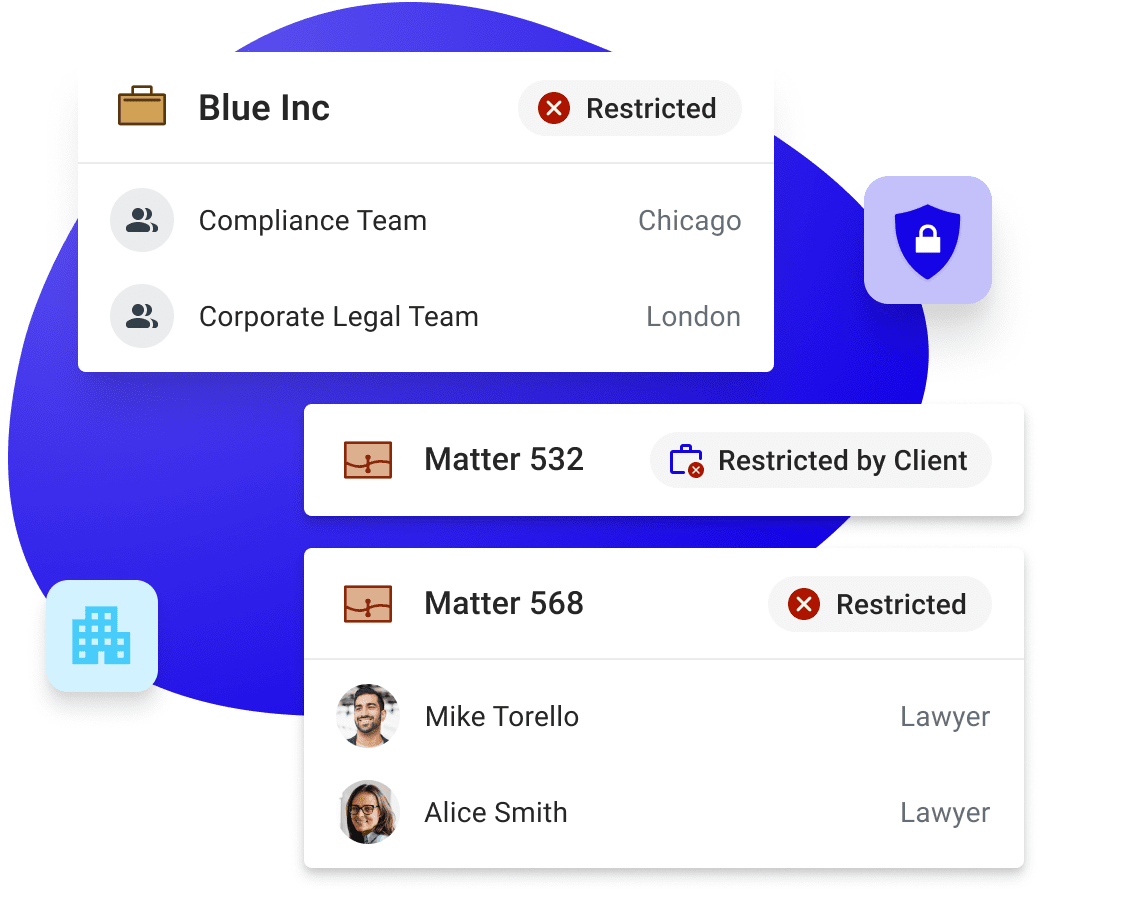
Create walls at the client, matter, department, or firm level, including opposing-team walls for M&A and disputes.

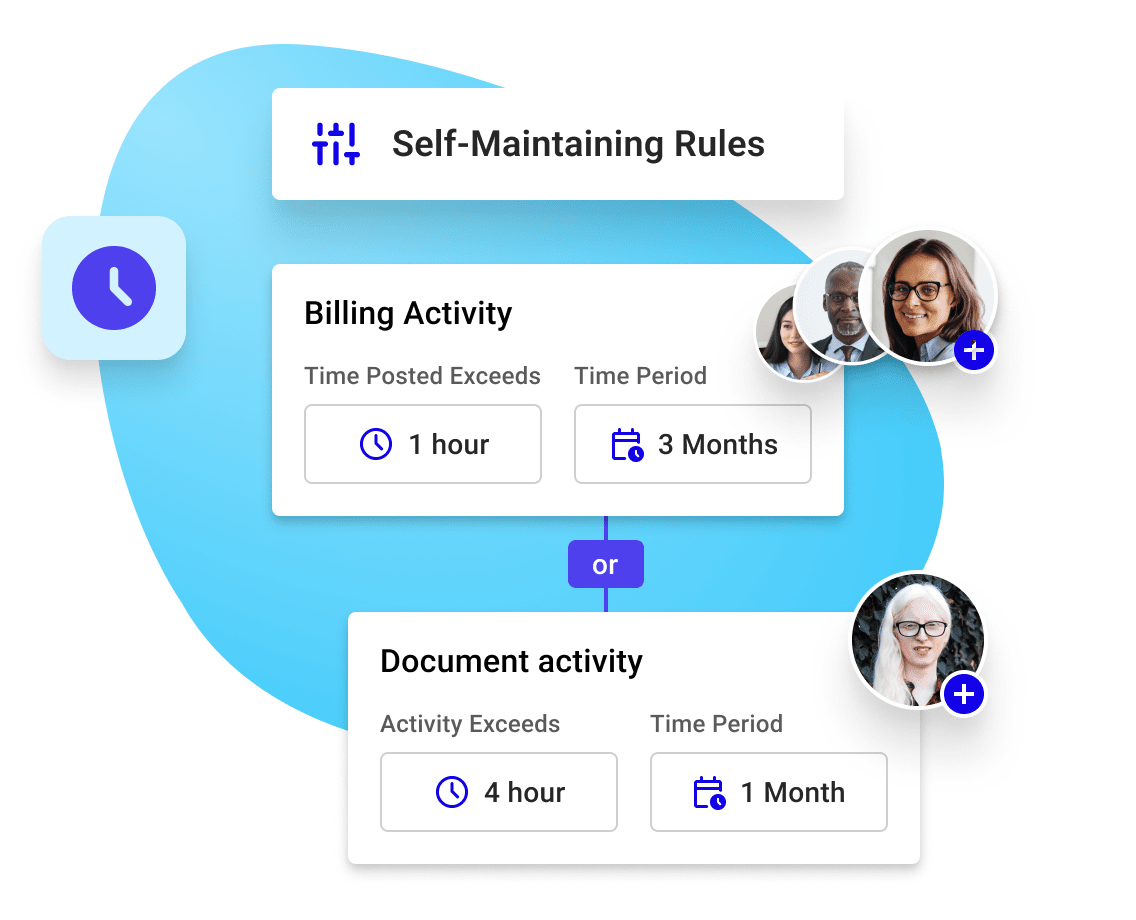
Policies update themselves
Policies update themselves as matters open, teams change, and lateral hires arrive, with no manual chase-ups required.

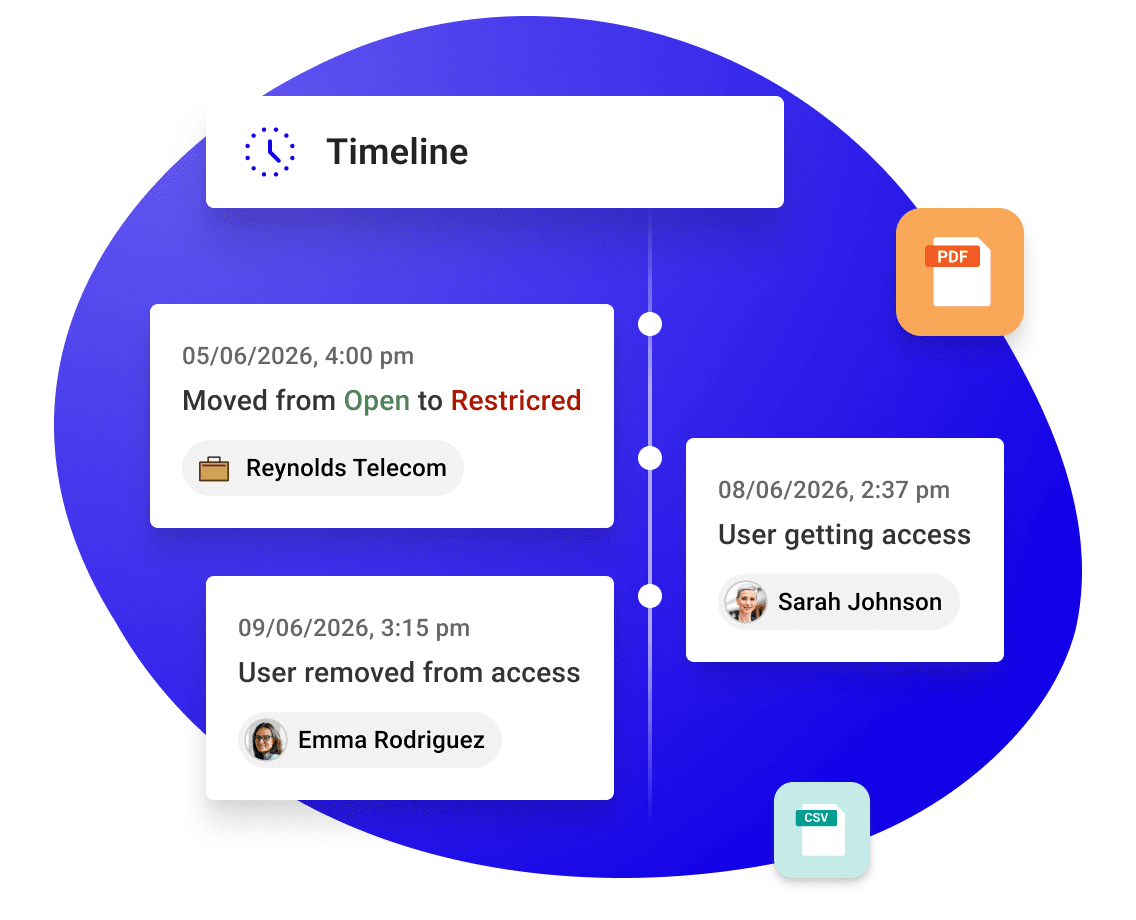
Audit trails, on demand
Every policy event is logged, so compliance evidence is ready in minutes when clients or regulators ask.
Access controls
Build policies that match how your firm works
Set information barriers by client, matter, department, practice area, or office, assign role-based access to people or groups, and separate opposing teams on M&A or multi-party deals.
✔ Assign access to individuals or groups, allow or deny as needed
✔ Build opposing-team walls for competing-interest matters
✔ Let client relations partners manage access without an IT ticket

AI governance
Extend access control to your AI tools
AI tools that access iManage content, including through iManage MCP Server and connected third-party tools, treat sensitive information with the same access policies as your people.
✔ AI tools can only retrieve content that a user already has rights to see
✔ Automated alerts flag policy changes as they happen
✔ Works with iManage MCP Server and connected AI platforms
Policy enforcement
Automate secure collaboration, policy by policy
When a matter changes hands or a timekeeper comes off a case, SPM updates access automatically. Every change, user activity, and acknowledgment is recorded, and scheduled reviews catch what needs a second look.
✔ Access updates automatically when staffing or billing data changes
✔ Users confirm they've read policy obligations before access is granted
✔ Scheduled reviews keep barriers accurate as teams and matters evolve.
Prove compliance
See every policy action, with auditability
Every policy event, from access grants to acknowledgments, is captured in a full timeline. Instantly generate reports in PDF or Excel when a client mandate or regulator asks for proof of ethical wall maintenance.
✔ Full timeline of every access grant, denial, and acknowledgement
✔ Reports generated instantly in PDF or Excel format
✔ Configure settings to meet outside counsel guidelines and client mandates
Runs inside the iManage platform you already use
iManage Security Policy Manager is a governance layer that runs on top of iManage Work, bringing ethical wall enforcement directly to where your content already lives.

Audit Hub
On-demand audit evidence
Feed policy and access events into your SIEM for compliance and regulator reporting.
What our customers say
With these applications, we can let people think about the details of their matters, not security and governance... iManage tools enable us to make governance automatic.

iManage works quietly in the background, so no one needs to think about
it — the security is always there, doing its job, ensuring that everybody in
the organization has easy access to the content they need to do their job.

We found more security, more portability, accountability, ethical wall requirements, and reporting for our clients in iManage that we didn’t find in NetDocuments and the other products.

Artificial intelligence makes a lot of people nervous, so it’s great to see iManage proactively securing the environment and developing AI tools that will make a real difference to our attorneys.

Speak to an expert
Automate the data AI needs to succeed
FAQs
What is iManage Security Policy Manager, and how does it work?
How does iManage ethical walls software differ from other platforms?
Security Policy Manager runs natively inside the iManage platform you already use for document and email management, so ethical walls apply automatically wherever your content lives, without a separate system to maintain. Policies update themselves as matters open, teams change, and lateral hires arrive, and every policy event is logged for audit-ready reporting.
How can Security Policy Manager benefit information security and compliance teams?
IT teams move from managing day-to-day access requests to managing outcomes, since policies apply and update automatically. Risk and compliance teams get dashboards and audit logs that answer client and regulator questions in minutes, plus a documented, defensible record of how AI-enabled workflows access firm content.
Can Security Policy Manager integrate with my existing tech ecosystem?
Yes. SPM pushes policies out to your connected systems, including practice management, finance, collaboration tools like Microsoft Teams, file sharing like Microsoft Sharepoint, and custom integrations, so a policy configured once in SPM applies consistently across your environment, not just within document management.