Yes. iManage is built into Microsoft Teams and Microsoft 365. An iManage tab pins an asset to a Teams channel so teams work from governed assets, and iManage document links shared in Teams appear as preview cards that people can open and co-author from. Your security policies apply throughout.
Governed work in Microsoft 365
iManage better together with Microsoft
As a Microsoft Strategic Partner, iManage is the knowledge work platform professional services organizations use to govern their most sensitive client work in Microsoft 365. Built into Outlook, Teams, Office, and Purview and running on Azure, iManage keeps people in the tools they know, while Copilot and Copilot Cowork work with that content within existing permissions.


Scale as you grow
iManage runs on Azure, so organizations can scale as business requirements change while keeping data in their current region.

Stay secure
Ethical walls, information barriers, and need-to-know access span Microsoft 365, backed by Zero Trust architecture.

Work your way
File, search, and co-author from Outlook, Teams, and Office, with no app switching or parallel filing system.

Collaborate securely
Collaborate in Teams on governed assets and let Copilot work within the same permissions.
The perfect pair: iManage and Microsoft in conversation
From client onboarding to retrieval and summarization, hear how organizations can build their own Copilot agents on iManage content.


Now available: Next Generation Co-authoring
Work together seamlessly, stay in control, and drive productivity without disrupting your workflow.
Seamless integration
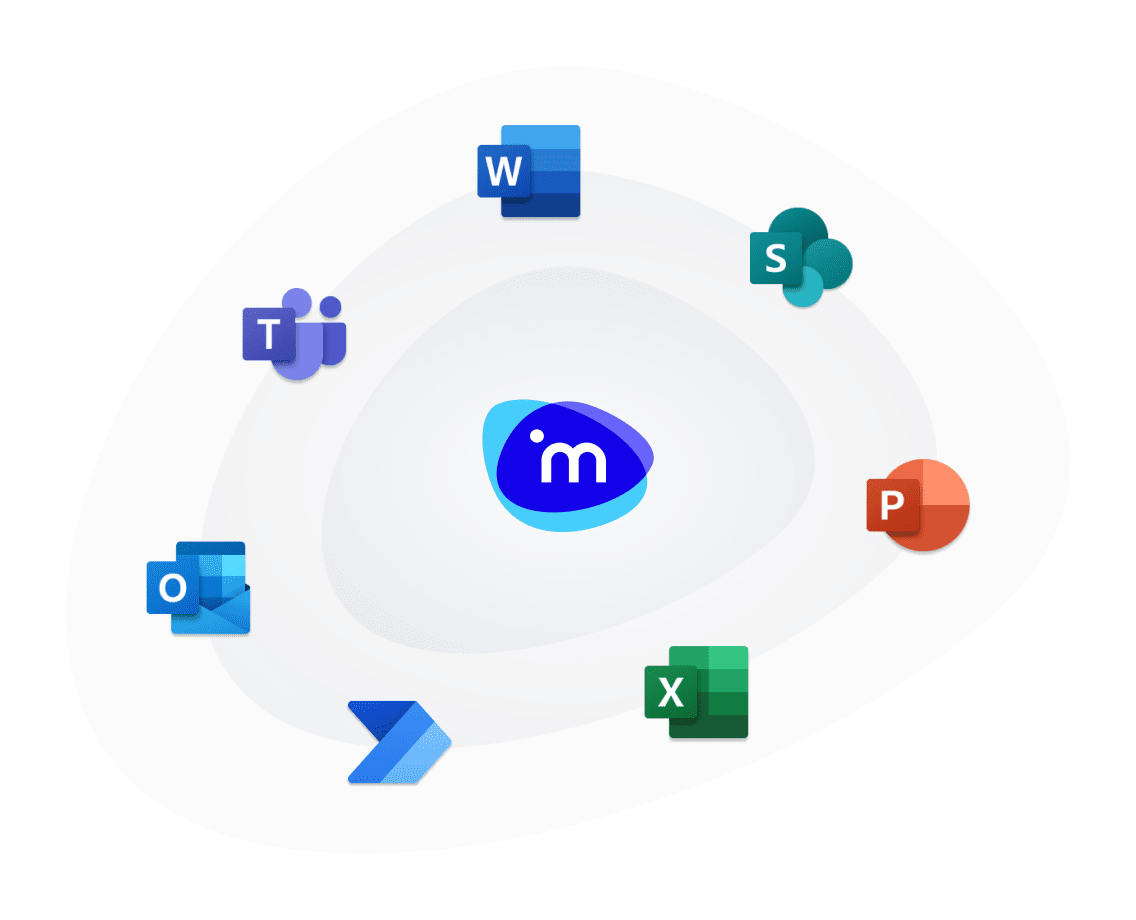
Work in the Microsoft apps you already use. File email from Outlook, including the new Outlook; open and save in Word, Excel, and PowerPoint; and pin assets to Teams. Entra and Intune support sign-in and device management.
Security that follows your work
iManage Security Policy Manager applies need-to-know access, ethical walls, and information barriers across Microsoft apps. iManage Threat Manager flags unusual behavior and keeps audit trails. Microsoft Purview labeling and data loss prevention extend protection.

Innovation accelerator
Next-Generation Co-authoring, the new Outlook, optical character recognition (OCR), and Purview bring new Microsoft capabilities into iManage, so teams can adopt them with governance already in place.
Automated workflows
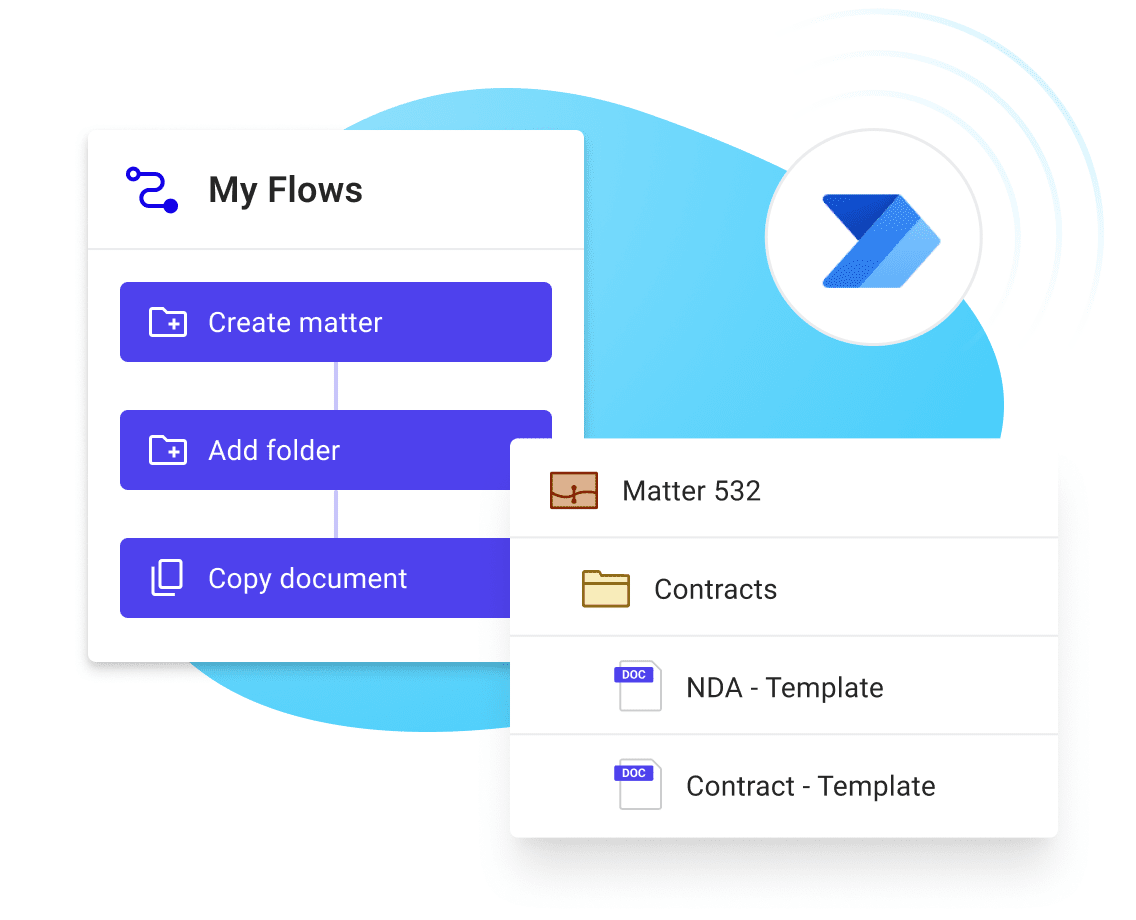
With Microsoft Power Automate, bring workflow automation to the iManage platform and tie it to existing business processes. Launch workflows from documents or workspaces to deliver complex workflows, analysis, processing, approvals, or curation into iManage Insight+.
FAQs
Can’t find the answer to your question? Book a call with our team for a personalized demo or consultation.
Does iManage integrate with Microsoft Teams?
What are the key benefits of iManage and Microsoft Outlook?
The iManage Outlook integration, including support for the new Outlook, lets people file email and attachments into the right asset workspace from a panel inside Outlook. They can also find and attach iManage documents without leaving their inbox, so context is never lost, and there is no context switching. Suggested filing stores content and communications together with a single click.
Is iManage hosted in Microsoft Azure datacenters?
Yes. iManage runs exclusively on Microsoft Azure, across 12 regions, so organizations can keep data in the country or region they need. It uses Zero Trust architecture and dual-party customer-managed encryption keys (CMEK) held in Azure Key Vault. Certifications include SOC 2 Type 2, ISO 27001, HIPAA, and STAR. iManage is proud to be a Microsoft Strategic Partner.
Does iManage work with Microsoft Copilot?
Yes. Microsoft Copilot and Copilot Cowork connect to iManage through the iManage MCP Server. Every permission, ethical wall, and information barrier still applies, so Copilot works only with the content each person is allowed to see.
Why is the iManage and Microsoft partnership important?
Microsoft 365 is where work happens, and iManage adds the governance that organizations handling sensitive content also need: need-to-know security, ethical walls and information barriers, and full audit. Together, they let people work in Outlook, Teams, and Office without app switching, and give organizations the confidence to move faster, including with Microsoft Copilot and Copilot Cowork working within the permissions already in place.
With iManage Next-Generation Co-authoring, colleagues can work on the same document simultaneously in the Microsoft apps they know, without checking it out. Content stays governed by iManage, and journaling keeps a complete audit trail of changes and edits, so document owners always see what is changing and who changed it. Colleagues can also input questions and get immediate responses, turning the work into a co-production.
Explore iManage and Microsoft better together resources


Making Knowledge Work
Request a demo
Ready to see how iManage can make a difference to your organization?